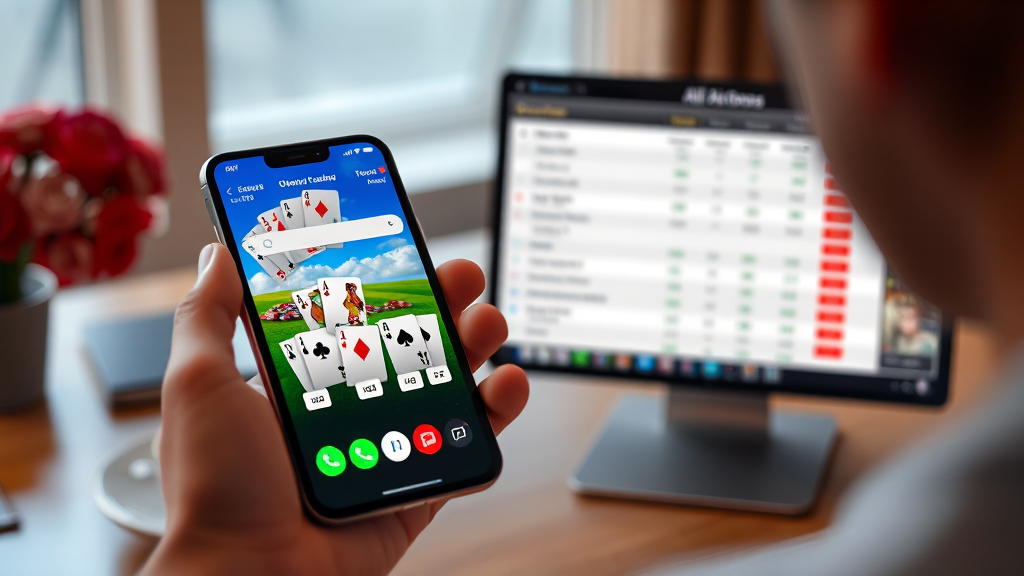
Are You Using Rummy Skill Hub the Right Way? A Support Tech’s Day on the Job
The most common mistake I see in my ticket queue is not a broken download or a missing file. It is people treating Rummy Skill Hub like a storefront where you tap once and a fully installed game appears on your home screen. That assumption causes about half the escalations I handle in a week. Someone clicks a listing, expects an instant install, gets redirected to a download page, panics, and opens a ticket saying the site is broken. It is not broken. The workflow is just different from what they pictured.
I work the support desk for a small mobile gaming help service, and rummy-related tickets land on my board constantly. Over the past few months I have walked dozens of users through the same handful of problems, and almost all of them trace back to expectations rather than technical faults. So instead of another generic overview, here is what a real day with this directory actually looks like, written from the chair where I sit when your ticket comes in.
Before we get into the tickets themselves, it helps to be clear about what this directory is and is not. It is an independent listing site that curates rummy apps, compares their features and offers, and points visitors toward APK download information. It does not host the games, it does not run the tables, and it does not process your account. That distinction explains most of the confusion I see. When someone tells me “the app took my money and won’t let me withdraw,” they are usually describing a problem with a game operator, not with the directory that helped them find it. Knowing which side of that line you are standing on saves everyone time.
What the tickets actually look like, hour by hour
My mornings start with a queue review, and the pattern is remarkably consistent. Between 9 and 10 a.m. I usually get three or four tickets that read something like “download link does nothing.” Nine times out of ten, the user is on a desktop browser. APK files are built for Android phones and tablets, so a desktop click often lands on a page that looks inert. The fix is simple: open the listing on the phone itself, or transfer the file afterward. Nobody warns people about this, which is why it keeps happening.
By mid-morning the tickets shift toward installation errors. “App not installed” is the phrase I see most, and it usually means one of three things. The phone’s security settings are blocking installs from outside the official app store. An older version of the same game is already on the device and conflicts with the new one. Or the download was interrupted and the file is incomplete. I walk people through checking their install permissions first, because that resolves the majority of cases and takes about thirty seconds.
After lunch, the questions get more interesting. People who successfully installed a game come back with comparison questions. They want to know why one listing shows a welcome bonus and another does not, or why two apps that look identical have different minimum ages. This is where the directory’s real value shows up. Because it refreshes APK link information and keeps curated reviews side by side, you can actually compare offers without installing five apps and juggling five accounts. I often point users back to the comparison pages rather than answering feature questions myself, since the listings are more current than anything I could recite from memory.
Late afternoon is when the account and gameplay tickets arrive, and those are the ones I have to redirect. Someone cannot log in, or a withdrawal is stuck, or a bonus did not credit. None of that lives with the directory. I explain the boundary politely, help them find the operator’s support channel, and log the ticket as out of scope. It feels unsatisfying, but it is honest, and honesty is what keeps people from chasing the wrong fix for a week.
One afternoon stands out. A user had spent two days convinced the directory was scamming him because a game would not open after install. We screenshotted the process together. The file had downloaded fine, installed fine, and then crashed on launch. The cause turned out to be an outdated Android version on a five-year-old phone. Nothing about the listing was wrong. He had simply assumed that “downloadable” meant “runs on anything,” and that assumption cost him two days of frustration. I now include a device-compatibility reminder in my first reply to almost every installation ticket.
What ties all of these cases together is that the directory behaves exactly as an independent listing site should. It gathers apps, describes them, compares them, and links out. The friction comes from users importing expectations from app stores, where installation is one tap and the platform handles everything behind the scenes. Once you adjust to the idea that you are browsing a curated directory rather than shopping in a managed store, the whole experience clicks into place, and the tickets stop.
Requirements first, then the procedure, then what to verify
If I could hand every new user a single page, it would be organized in exactly this order, because it mirrors how I actually troubleshoot. Requirements come first, because most failures are requirement failures. The procedure comes second, because it is the easy part. Verification comes last, because that is where people skip steps and create their own problems.
Requirements. You need an Android device, since APK files are Android packages. You need enough free storage, and rummy apps are not tiny, so clear a gigabyte or two before you start. You need to allow installs from sources other than the official app store, which means adjusting a security setting on your phone. You need a stable connection for the download itself, because a half-finished file will fail installation in ways that look mysterious. And you need to be 18 or older, because rummy apps are intended for adults and responsible play is part of the deal. If any one of those is missing, stop there and fix it before touching a download link.
The procedure. Open the directory on your phone, not your desktop. Browse the listings and read the reviews before you commit to anything. Pick the app that matches what you actually want, whether that is a particular game variant, a specific offer, or a simpler interface. Follow the APK download link from the listing. Wait for the file to finish completely before you tap it. When the installer opens, read the permissions it requests, then confirm. Let the install run to completion without switching apps or locking the screen repeatedly. Then open the game and set up your account through the game itself.
What to verify. After installation, check three things. First, confirm the app version matches what the listing described, because an outdated build can behave strangely. Second, confirm the game launches and reaches its login screen, which proves the install is sound. Third, confirm the offer terms you saw in the listing are actually reflected inside the app, since offers change and a stale expectation is not the same as a broken promise. If all three check out, you are done. If one fails, you now know exactly which step to revisit instead of starting over from scratch.
I should mention the comparison habit here, because it prevents more tickets than any other single behavior. Before downloading anything, spend five minutes reading two or three listings side by side. Note the differences in features, in welcome offers, and in any age or region notes. Users who do this almost never come back with “this wasn’t what I expected” tickets, because they already knew what they were getting. Users who skip it are the ones who install first and read later, and they are also the ones who end up frustrated.
There is also a maintenance habit worth building. Keep an eye on the listings you care about, because APK link information gets refreshed and reviews get updated. An app that had a rough version last month may be smooth now, and an offer that looked strong in spring may have changed by autumn. Treat the directory as a living reference rather than a one-time pit stop, and you will get far more out of it. I tell people this in almost every resolved ticket, and the ones who listen rarely open a second one.
Finally, a word about the boundary I mentioned earlier, because it matters for your own sanity. The directory helps you find and compare apps. It does not run them. If you hit a login problem, a payment issue, or a gameplay dispute, that conversation belongs with the game operator, not the listing site. Knowing where that line sits means you route your problem to the right place on the first try, which is often the difference between a ten-minute fix and a ten-day ordeal. Most of my job is teaching people to see that line clearly.
Frequently asked questions
Why does the download link seem to do nothing on my computer?
Because APK files are meant for Android devices, and desktop browsers often cannot act on them. Open the listing on your phone or tablet instead. If you must start on a desktop, download the file there and transfer it to your Android device afterward. This single misunderstanding accounts for a large share of the tickets I handle, and the fix takes seconds once you know it.
I installed the app but it will not open. What should I check first?
Check your Android version against the app’s requirements, because an older phone may install a file it cannot actually run. Then confirm the download completed fully, since a partial file installs but crashes. If both of those are fine, clear the app’s cache and try again. In my experience, compatibility and incomplete downloads explain the vast majority of launch failures.
Are the offers shown in the listings guaranteed?
No, and you should never treat them as guarantees. Listings describe what was current when the information was refreshed, and operators change their promotions regularly. Always confirm the terms inside the app after you install it. If something looks different from the listing, the app itself is the authority, not the directory. That is simply how independent listing sites work.
Can the directory help me with a withdrawal or account problem?
No. The directory is an independent resource for discovering and comparing rummy apps and finding APK download information. It does not operate the games, hold your account, or process payments. For anything related to your account, your balance, or gameplay, contact the game operator’s support team directly. Routing your issue to the right place is the fastest path to a real answer.
Is there an age requirement for using these apps?
Yes. Rummy apps are intended for adults aged 18 and over, and responsible play should guide every session. The directory notes this clearly, and it is worth taking seriously rather than clicking past. If you are under 18, these apps are not for you. If you are an adult, set your own limits before you start playing, not after.